

Blog Posts

How to Remove Audio Background Noise in DaVinci Resolve 17: NOISE REDUCTION
In this DaVinci Resolve 17 Fairlight tutorial Alli will show you 2 quick and easy ways to reduce and hopefully even remove distracting background noise in your audio using the Noise Reduction effect. Davinci's Noise Reduction effect works best if you're treating consistent background noise like the hum of a fridge or air conditioner. We have loads of video creating tutorials on our channel so check them out to learn even more!

How To Copy Presets & Settings To New Premiere Pro Versions - FIX SYNC SETTINGS
How To Copy Presets & Settings To New Premiere Pro Versions - FIX SYNC SETTINGS - It can be very frustrating when installing a new version of Premiere Pro CC to find out that none of your presets and settings were copied over. The Premiere Pro team created a feature meant to solve that problem called 'Sync Settings' using their Creative Cloud system, but unfortunately, it has never worked for me since it came out. In this video, Will teaches you how to manually copy and paste your presets and settings from old versions of Premiere Pro CC to newly installed versions of Premiere Pro CC.
These settings include sequence presets, auto-save settings, exporting presets, color labels, keyboard shortcuts, effects presets, workspace layouts, and general Premiere Pro CC system preferences.

How To REVEAL TEXT From Behind Objects in Premiere Pro CC With MOTION BLUR
In this video editing tutorial Alli will show you How To REVEAL TEXT From Behind An Object With MOTION BLUR in Premiere Pro CC!

How To Add COLOR GRADIENT in Text using Premiere Pro CC (NEW FEATURE!!)
In this video editing tutorial, Alli will teach you How to Make Text GRADIENT in Premiere Pro CC (NEW FEATURE!!). This is an awesome new feature that the Adobe Premiere Pro team added, so that you can now quickly and easily add a gradient to your text. You can even customize the colors you choose to have shown in your text gradient, to be the same colors found in your footage!!

THE PROBE LENS (Incredible Lens!!) Review
This Lens Blew My Mind - Loawa Probe Lens REVIEW - The Weirdest Lens Ive Ever Used

How to Batch Export Individual Clips in Premiere Pro CC
In this video editing tutorial Alli shows you How to Batch Export Individual Clips WITH EFFECTS APPLIED in Adobe Premiere Pro CC!
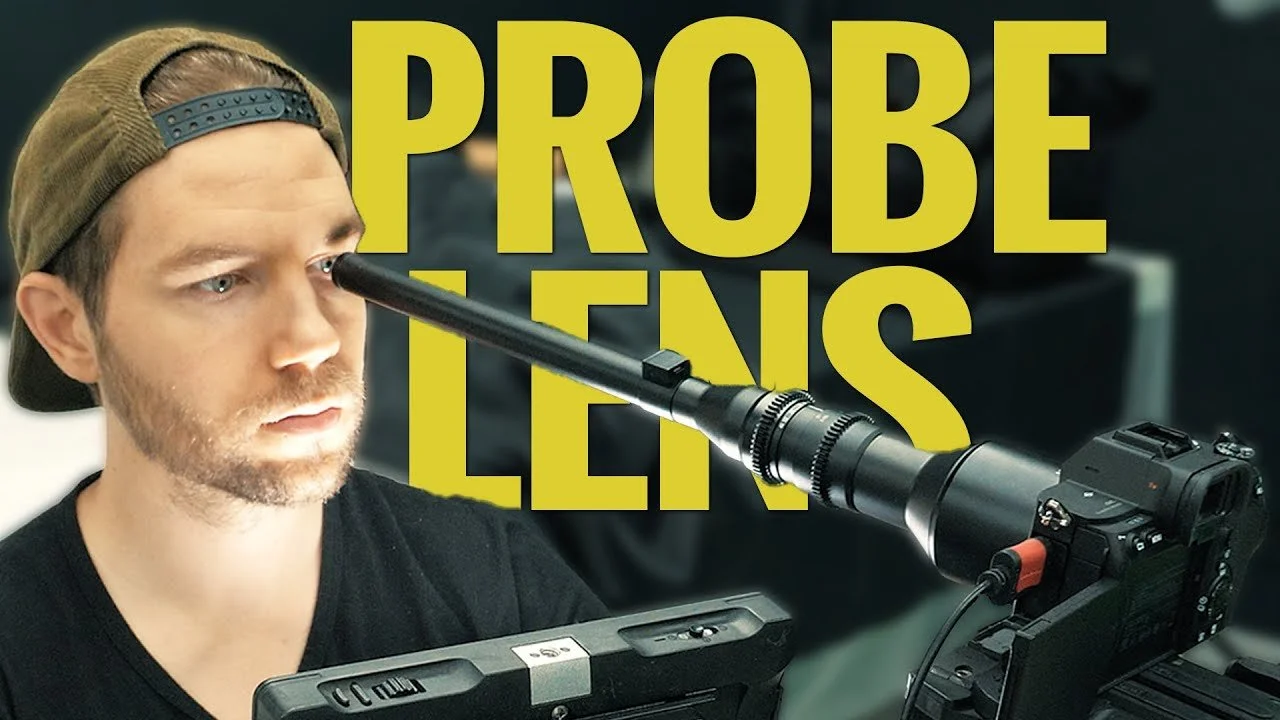
Probe Lens + Sony A7s iii 4K Footage
Probe Lens + Sony A7s iii 4K Footage: In this video, Will tests the Loawa Probe 24mm Macro Lens with the Sony A7s iii

How To Find MOTIVATION For Creatives
We all go through ruts or moments where we lack motivation, especially as creative people. Whether you're a Photographer, Cinematograph, Videographer an Artist, or you just consider yourself creative, this video will give you 3 ways to instantly, like, right now, get inspired, pumped, and motivated to start creating!

How To Install Backdrop Roller System For Photo/Video (Neewer, Fotoconic)
How To Install Backdrop Roller System For Photo/Video (Neewer, Fotoconic)

How to FAKE SHALLOW DEPTH in Premiere Pro
How to FAKE SHALLOW DEPTH in Premiere Pro! In this video editing tutorial Alli will teach you a quick and easy technique to give your footage that nice, out of focus, shallow depth of field look, in post production.

How I COLOR CORRECT & GRADE My YouTube Talking Head Setup In Premiere Pro
How I COLOR CORRECT & GRADE My YouTube Talking Head Setup In Premiere Pro: In this video, you'll learn the color correcting and grading that Will does during the talking head intros and outros of his YouTube videos using Premiere Pro CC and Lumetri Color.

How to EXPORT In DaVinci Resolve 17
In this video editing tutorial Alli teaches you How to Export Videos in DaVinci Resolve 17 using several different methods including quick exporting as well as customized exports. She also shows you how to export your timeline and individual clips on your timeline.

How To Consolidate Duplicate Media FAST - Premiere Pro Quick Tip
Consolidate Duplicate Media FAST - Premiere Pro Quick Tip: In this Premiere Pro CC quick tip tutorial, Will shows you how to quickly consolidate media (Footage and audio) so that you do not have duplicate files inside Premiere Pro taking up space and making your organization unprofessional.

Premiere Pro Best New Updates and Features in Version 15
Premiere Pro Best New Updates and Features in Version 15!! In this quick video Alli shares her top 3 favorite new features and improvements in Adobe Premiere Pro CC's 2021, Version 15 update!

Learn After Effects in 10 Mins For Beginners
Learn After Effects in 10 Mins For Beginners: In this tutorial, Will teaches you how to use Adobe After Effects CC 2021 as a beginner! You'll learn how to create a composition, work with layers like text and solids, create masks, add keyframes and create motion with animation, as well as how to use effects and export videos!

How to Make Voice Sound Better FAST in Premiere Pro: 4 QUICK TIPS FOR BETTER AUDIO
How to Make Voice Sound Better FAST in Premiere Pro: In this video tutorial you'll learn How to Make Voice Sound Better in Premiere Pro! Alli shares 4 quick tips that you can apply to your dialogue audio to make it sound better fast in Adobe Premiere Pro CC!

How To Level Audio Using A Compressor In Premiere Pro CC
How To Level Audio Using A Compressor In Premiere Pro CC: In this Premiere Pro CC video editing tutorial, Will teaches you how to level your audio using a Dynamics Compressor.

5 Beginner Tips DAVINCI RESOLVE 17
In this DaVinci Resolve 17 5 Quick Tips for Beginners video, Alli shares tips for DaVinci Resolve newbees that you've gotta know!

How To Make ANIMATED TITLES In After Effects CC - Motion Design Tutorial
How To Create Motion Graphic Titles In After Effects CC - Motion Design Tutorial - In this tutorial, Will teaches you how to create a dynamic animating motion graphic slide title inside Adobe After Effects CC.
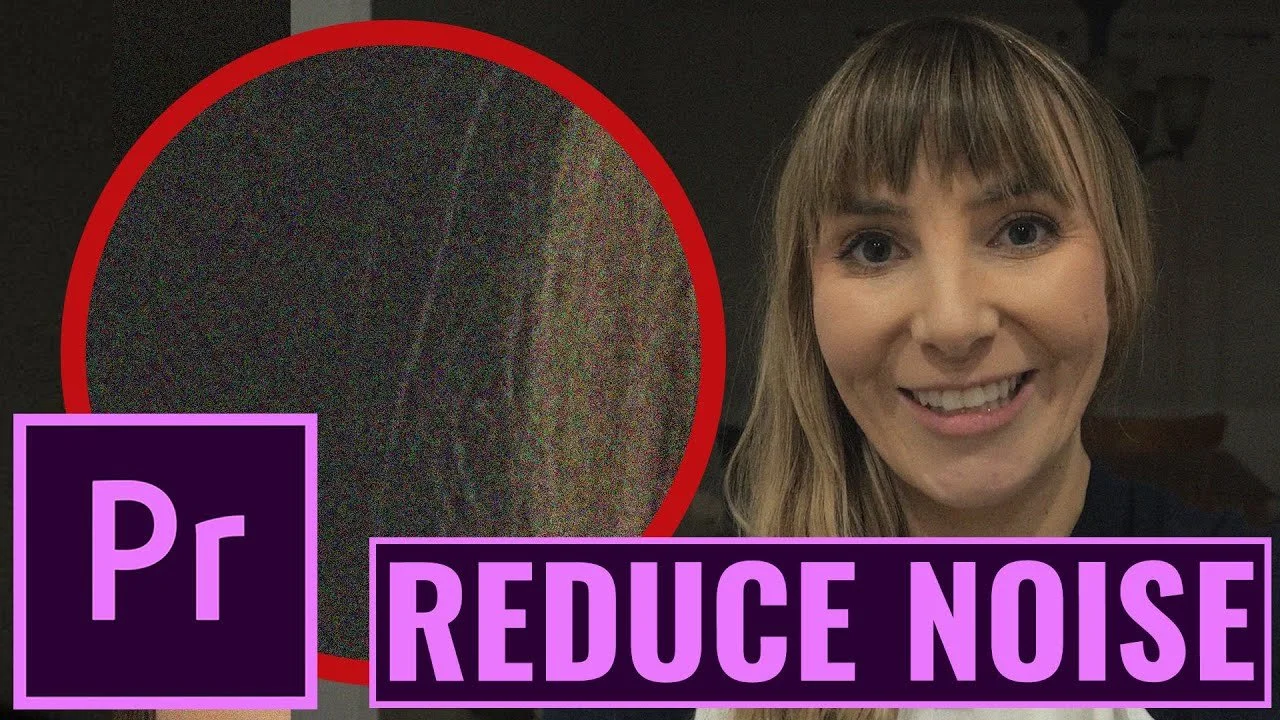
How To Reduce Noise & Grain in Premiere Pro CC (No Plug-ins)
Reduce Noise and Grain in Premiere Pro CC NO PLUGIN FOR FREE! In this Adobe Premiere Pro CC, video editing tutorial, Alli shares the effect that's best at reducing noise and grain in your footage that may have been caused from pushing the ISO too high while filming. This is a quick and easy technique that you can use right inside Premiere Pro! No plugins, no extra cost!