

Blog Posts
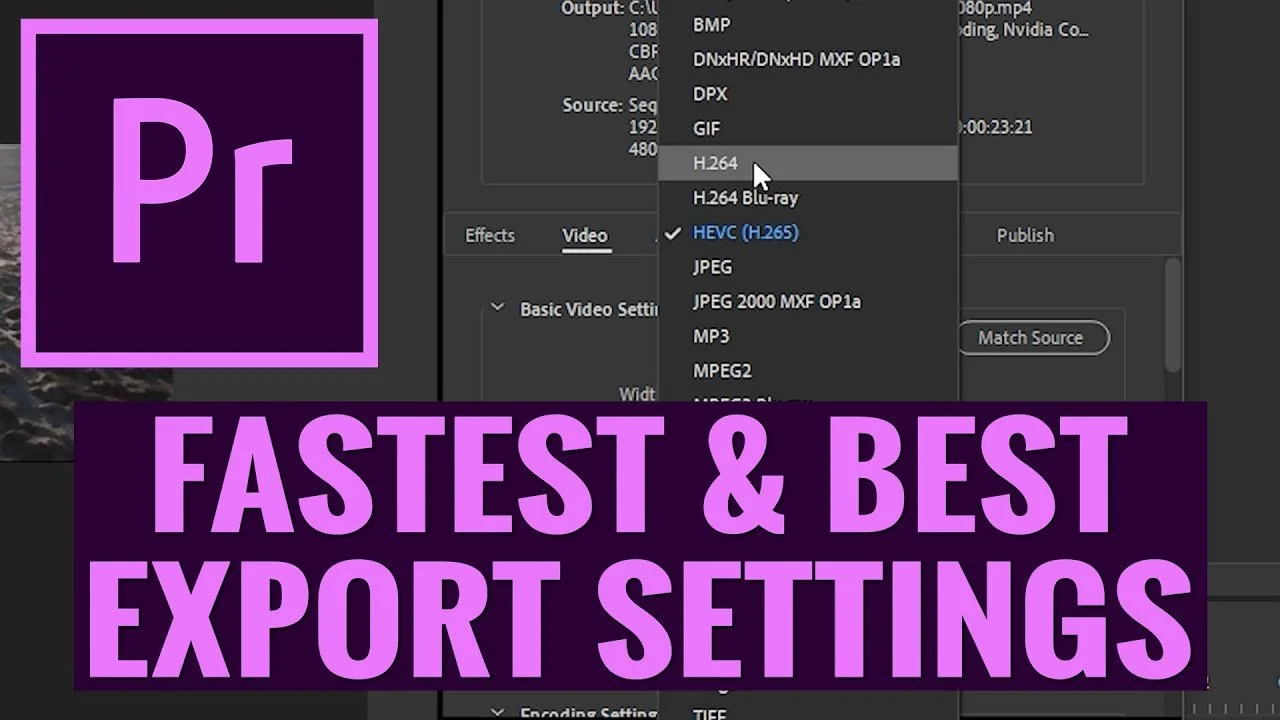
BEST EXPORT SETTINGS in Premiere Pro CC Export FAST With Hardware Encoding
In this video editing tutorial, Will teaches you how to create the best export settings in several different scenarios, as well as how to enable the hardware encoding option to speed up your exporting! Our tests showed that hardware encoding speeds our renders up by almost 4 times!
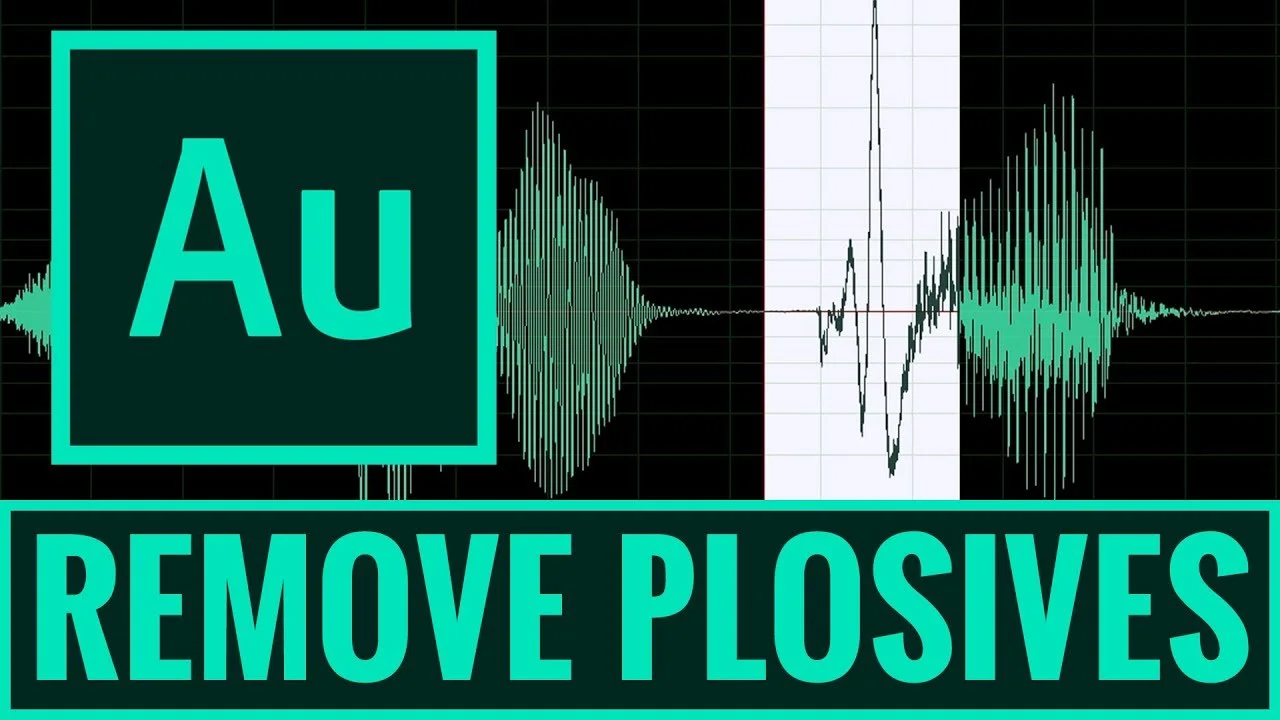
How to Remove Pops, Plosives and Distracting Dialogue Sounds FAST in ADOBE AUDITION
In this Adobe Audition Audio Editing Tutorial, Alli teaches you how to remove and reduce those annoying and distracting pops, air sounds and plosives using 2 effects that are quick and easy to use! Adobe Audition works really well side by side with Premiere Pro CC to help video editors produce better sounding videos!
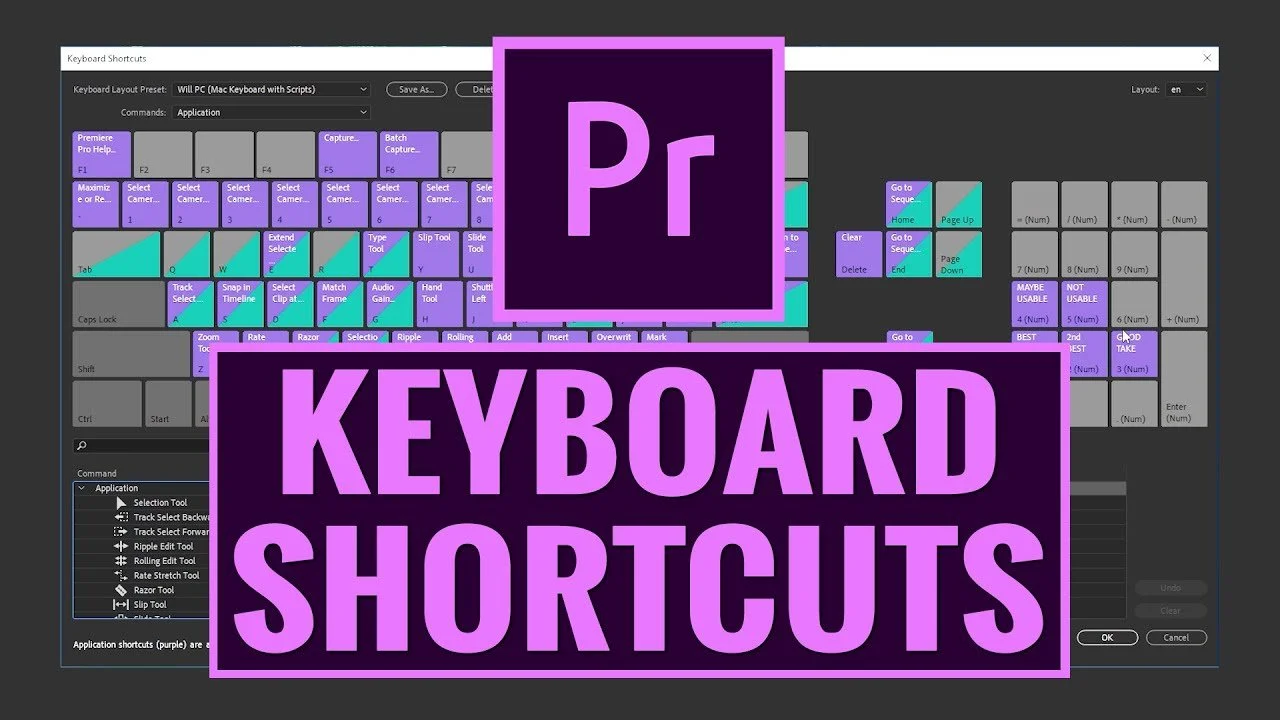
Premiere Pro KEYBOARD SHORTCUTS For FASTER VIDEO EDITING
In this video editing Premiere Pro CC tutorial, Will teaches you about how to customize your keyboard buttons and take advantage of keyboard shortcuts inside Adobe Premiere Pro CC to video edit much faster so that you can get video editing projects done faster, and more efficiently!
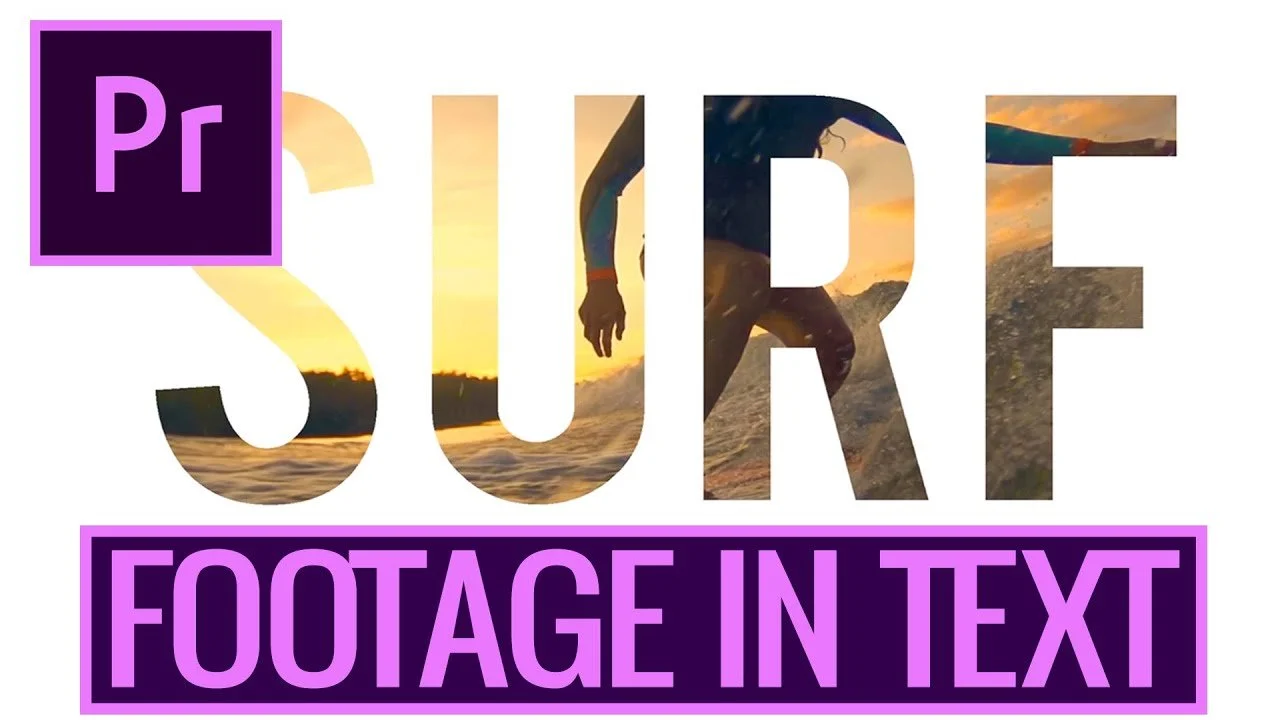
How to QUICKLY Put FOOTAGE INSIDE TEXT in Adobe Premiere Pro CC
How to Put Footage INSIDE Text in Adobe Premiere Pro CC: In this Adobe Premiere Pro CC, video editing tutorial Alli will share a quick and easy way to put footage inside text using the Essential Graphics Panel!
How To Prevent Audio Peaking In Premiere Pro CC
How To Prevent Audio Peaking In Premiere Pro CC: In this video editing Premiere Pro CC tutorial, Will teaches you how to prevent audio peaking (Also known as clipping) by using a free third party plugin that's really easy to use and does a better job at preventing your audio from peaking!
4 PREMIERE PRO CC TIPS FOR BETTER EDITING
In this Premiere Pro CC video editing tutorial Alli shares 4 SECRET Adobe Premiere Pro CC Hacks you've gotta know to make video editing in Adobe Premiere Pro CC faster and more efficient!
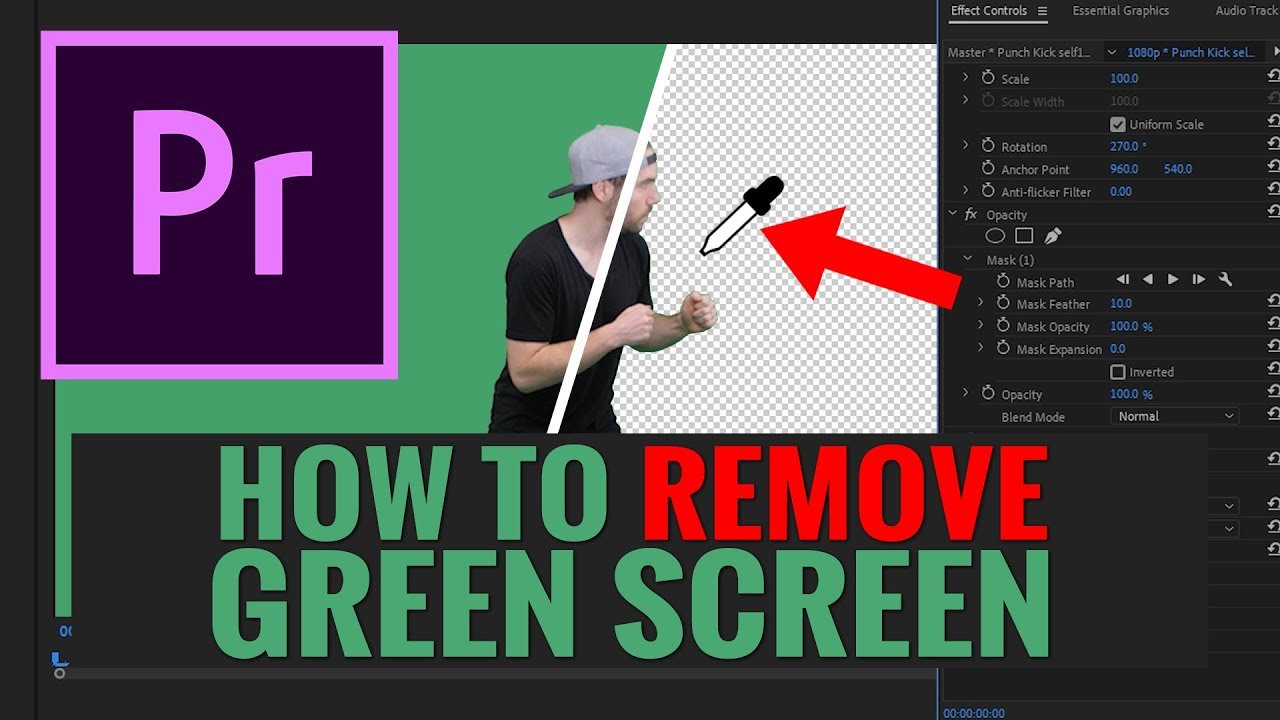
How To REMOVE GREEN SCREEN in Premiere Pro CC
In this video, Will teaches you how to key out the green in green screen footage with the Ultra Key effect inside Premiere Pro CC. Removing the green screen can be done very easily using Premiere Pro CC to create some awesome looking video editing effects!
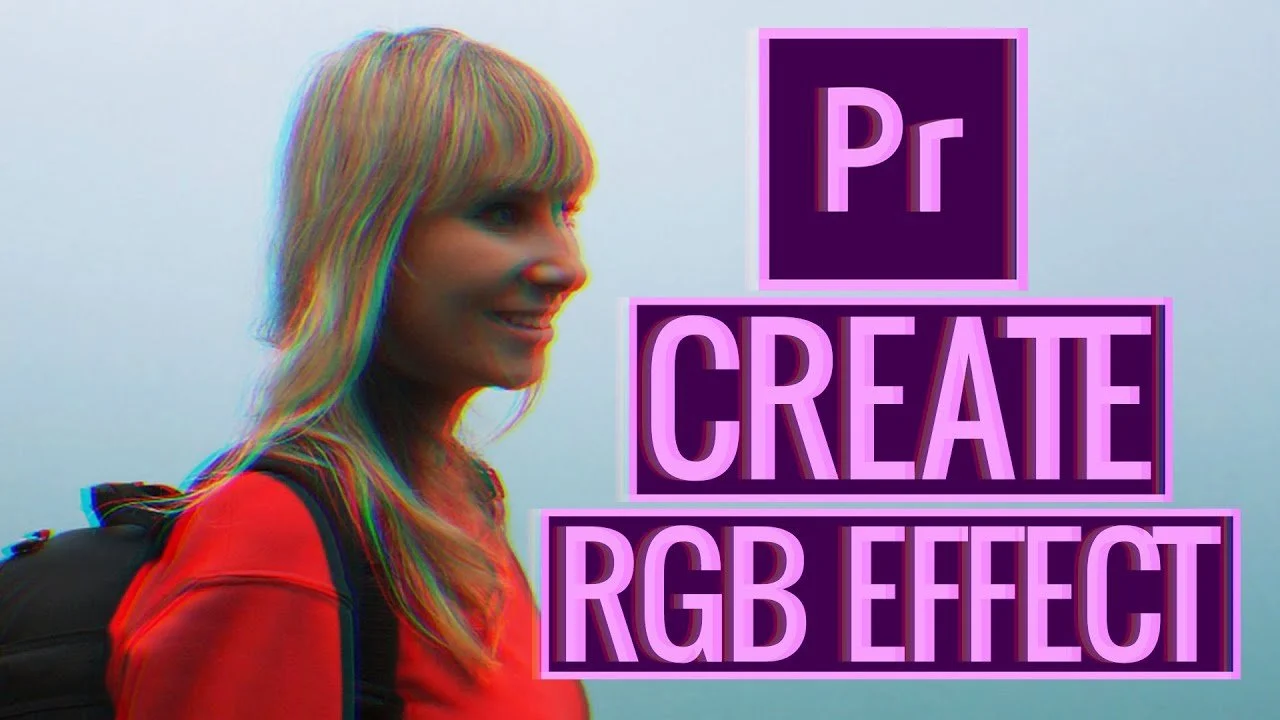
How To Create the RGB EFFECT in Premiere Pro CC
In this video editing tutorial, Alli shares a quick and easy way to create the RGB effect in Adobe Premiere Pro CC in just a few minutes. This effect is great for music videos, or any type of project where a unique and colorful effect is needed!
Some Big Life Changes (S2 Ep.12)
In this update video, we talk about some big changes coming to us! We show you some b-roll of the new plans, and work in progress, as well as mention a new filmmaker that's joining the team!
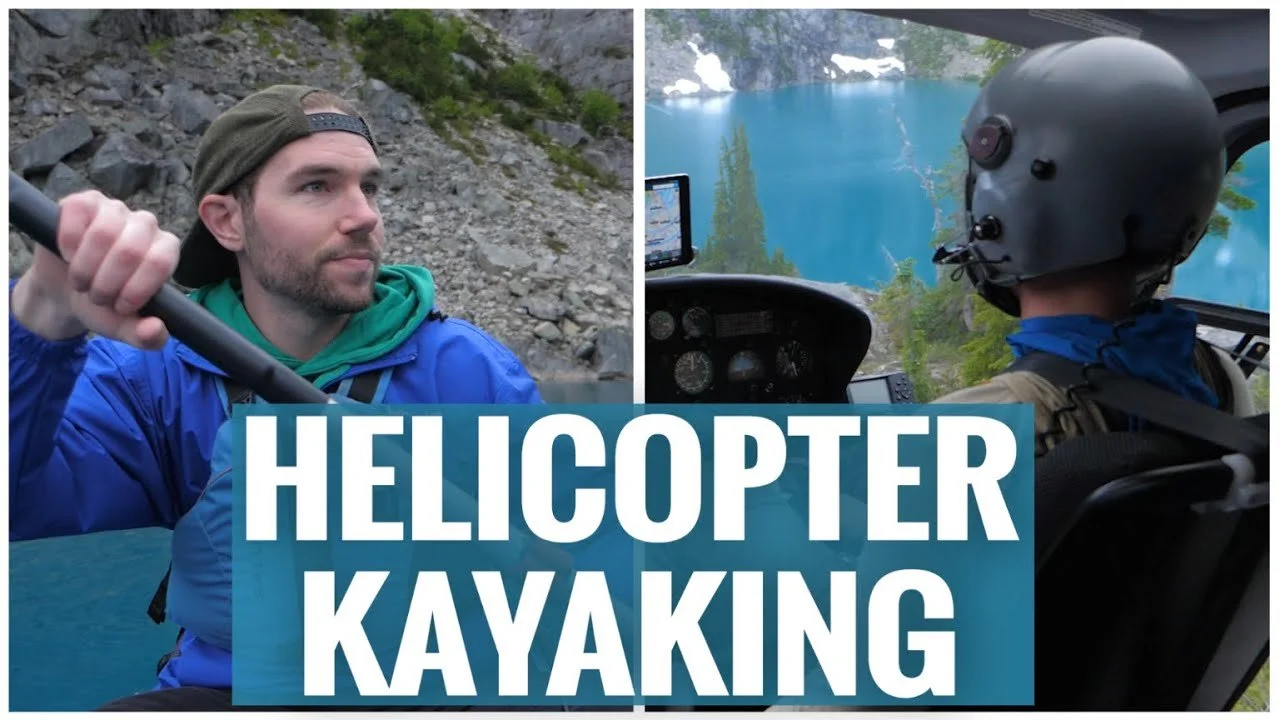
Helicopter Glacier Kayaking Tour in BC Canada (S2 Ep.11)
Though the weather was getting a little dog GE it started pouring rain and it was super foggy where we're gonna go kayaking. So we stopped at this Creek and we are gonna wait a little bit for the weather to settle up to see if we can in fact get set kayaking spots.
How to Quickly REPLACE FOOTAGE in Adobe Premiere Pro
In this Premiere Pro tutorial Alli shares 6 Awesome Things You Can Do In Premiere Pro CC! Including; how to quickly find source clips, how to master color correct, how to create backgrounds for titles and lower third titles, how to easily line up multiple titles and logos, how to use source patch tracks to make sure your audio and video file comes down on your timeline together and how to quickly and easily remove gaps in between clips on your timeline.
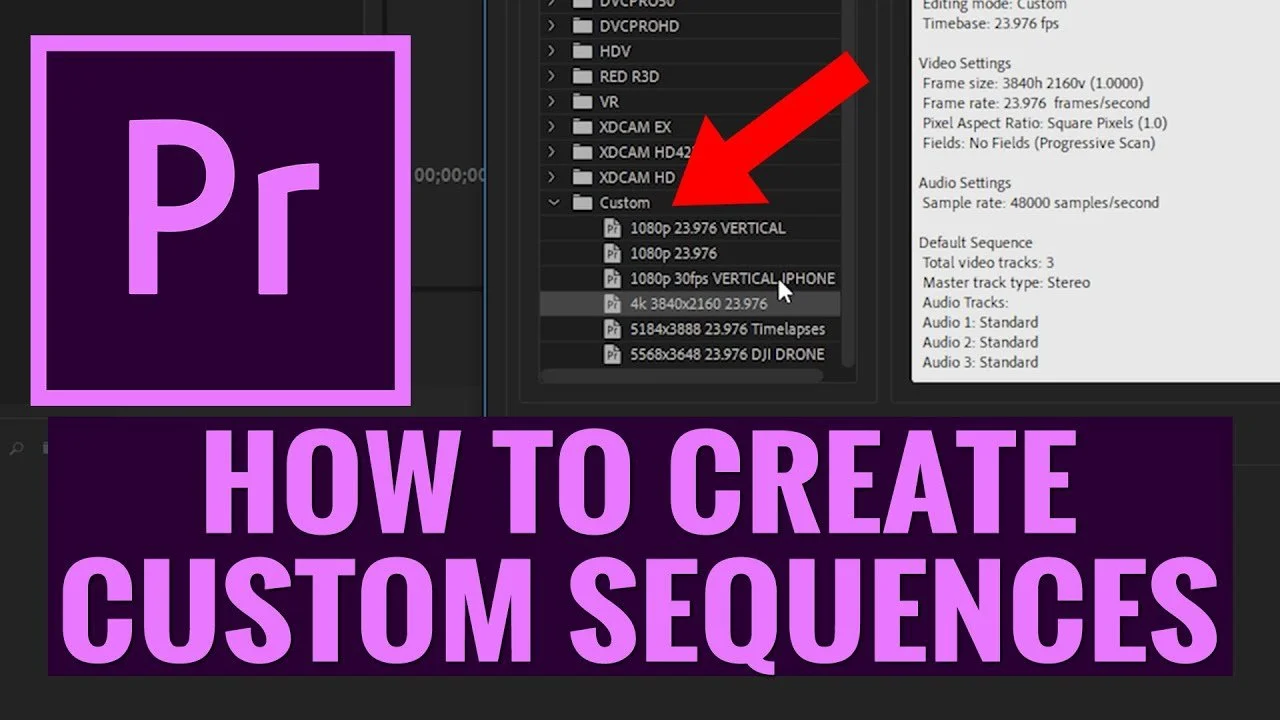
How To Create CUSTOM SEQUENCES and PRESETS in PREMIERE PRO CC
In this beginner's premiere pro tutorial, I'm going to teach you how to create custom sequences and presets for all of the popular resolutions and frame rates.
Premiere Pro CC BEGINNER TIPS
Are you newish to premiere pro and while you're working on an edit, you get frustrated because you don't know how to do something but you know there's a way to do it?

Springtime In Canada
Since Covid is preventing travel, and everyone has a little extra time on their hands, I thought it would be good to go through some older footage we have laying around and put together this Springtime In Canada video
Premiere Pro Productions Panel - Why I LOVE This NEW FEATURE
Adobe Premiere Pro CC version 14.1 just released the new Productions panel. Have you tried it yet? Do you have any questions about it? If so, let me know in the comments below!
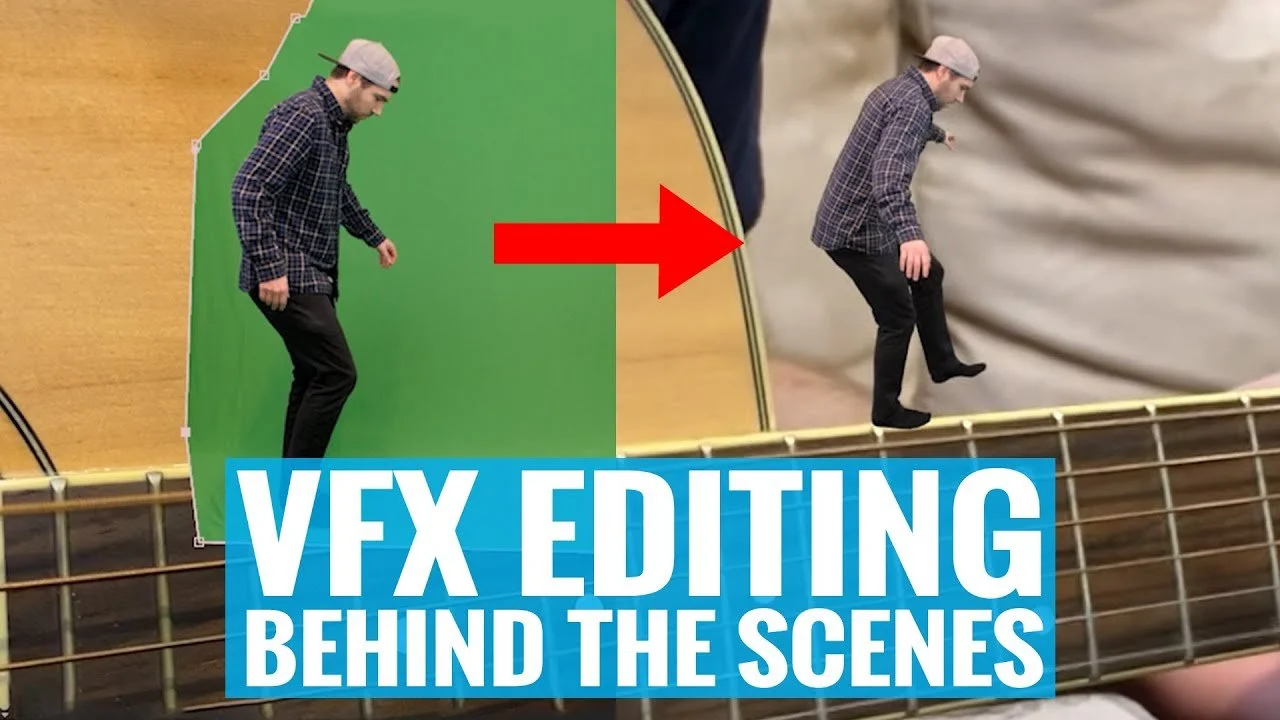
Creative VFX Editing In Isolation Behind The Scenes
Hope everyone's staying safe! This video is a little different, so sit back, and watch Will edit together one of his greenscreen visual effects edits that was posted on TikTok and Instagram. This BTS consisted of 2 shots, a greenscreen shot, and then another shot in which the greenscreen clip would be composited into using Adobe After Effects CC. Enjoy!
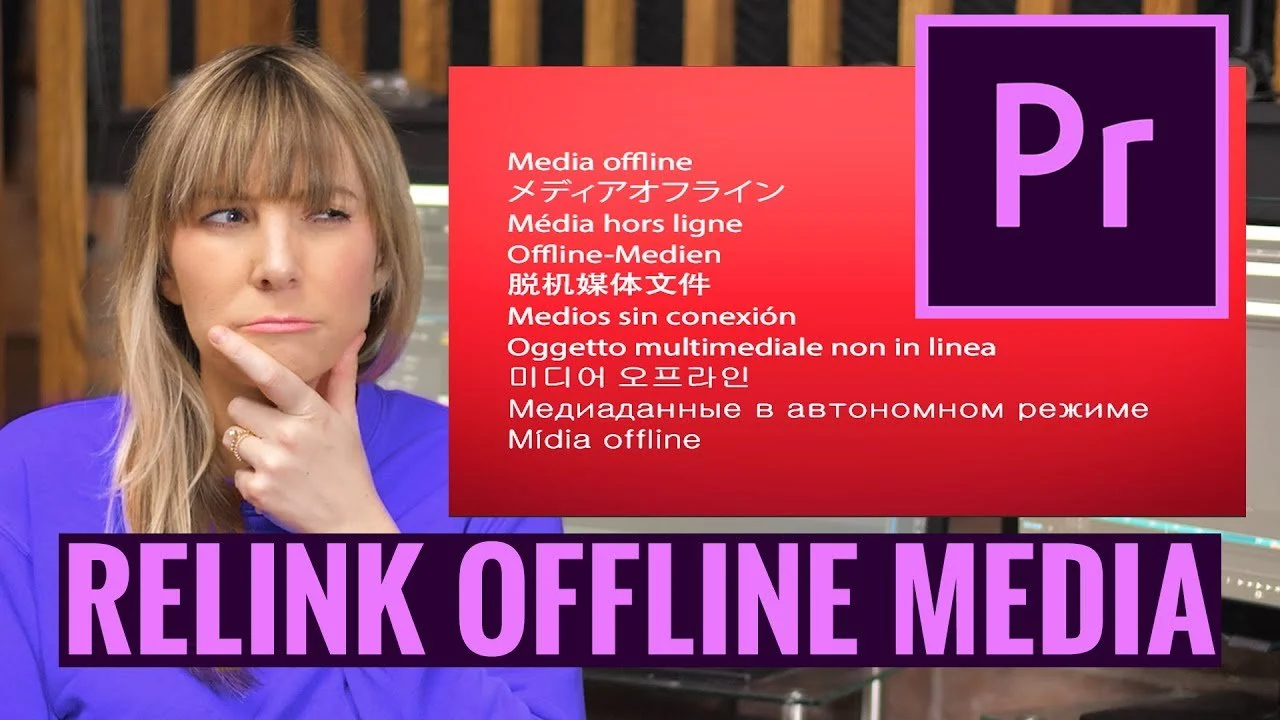
Premiere Pro How To RELINK OFFLINE MEDIA FAST
Have you ever seen this show up when you open up a project in Premiere Pro me offline.

CANON EOS R5 OFFICIAL SPECS Is the R5 a game-changer?
A little while ago there was speculation that Canon's new camera they were working on had specs that were impossible for today's technology; 8k video with no crop across the full width of the sensor, in-body image stabilization, and the ability to use their incredibly accurate auto-focus system with these 8k modes. 8k video!!!